The 13 Best AI Video Generators of 2026 Reviewed
Most AI video generator lists rank tools by visual realism and call it a day. That is useful if you are making a short film.
It is not useful if you are a sales rep who needs to send a polished demo in five minutes, or a training manager producing dozens of avatar videos per month.
The real question is not which tool generates the prettiest output. It is which tool fits the way you actually work.
This guide breaks down 13 AI video generators by use case, from cinematic storytelling to screen recording enhancement, so you can skip the hype and find the one that matches your workflow.
The best AI video generators at a glance
Most "best AI video generator" lists rank tools by one thing: visual realism. Google Veo 3.1 and Sora 2 lead for cinematic output. Runway offers granular creative control. Invideo AI works well for beginners who want fast results.
That is all useful information. But if you are comparing tools based on realism alone, you are solving the wrong problem.
The real question is not "which tool makes the prettiest video?" It is "which tool fits the way I actually work?" A filmmaker needs physics-aware motion. A sales rep needs to send a polished demo in five minutes.
A training manager needs consistent avatars across dozens of modules. No single tool solves all of those problems well.
| Tool | Best For | Key Strength | Starting Price |
|---|---|---|---|
| Runway Gen 4.5 | Creative control | Scene-by-scene consistency | $15/mo |
| Synthesia | Training videos | Enterprise AI avatars | $29/mo |
| Velo | Screen recordings | Raw-to-polished video messaging | Free tier |
| HeyGen | Personalized outreach | Video translation and lip-sync | $29/mo |
| Google Veo 3.1 | Cinematic realism | Physics-aware motion | Waitlist |
| Sora 2 | Narrative storytelling | Complex scene generation | ChatGPT Plus |
| Descript | Script-based editing | Edit video like a document | $15/mo |
| Invideo AI | Social media videos | Text prompt simplicity | Free tier |
| Kling AI | Photorealistic humans | Cost-effective quality | $5/mo |
| Luma Dream Machine | Fast cinematic results | Speed of generation | Free tier |
| Pika | Creative short-form | Stylized animation | Free tier |
| Adobe Firefly | Creative Cloud users | Commercially-safe outputs | $4.99/mo |
| Pictory | Repurposing text | Blog-to-video conversion | $19/mo |
What makes the best AI video generator
An AI video generator is any tool that creates or enhances video using artificial intelligence. Some generate entirely new video from a text prompt. Others polish existing footage by rewriting scripts, syncing audio, or adding effects. The category, now a USD 946.4 million market, is broad, and the "best" tool depends entirely on what you are trying to accomplish.
Output quality and visual realism
Physics-aware motion is the benchmark for cinematic realism. Tools like Sora 2 and Veo 3.1 generate motion where objects fall, bounce, and interact according to real-world physics. Earlier AI video often looked "floaty" because the models did not understand how gravity or momentum worked.
For business use cases like training videos or sales demos, visual realism matters less than clarity. A crisp screen recording with clean audio often outperforms a photorealistic AI-generated scene because the goal is communication, not cinema.
AI avatar and voice cloning features
AI avatars are digital presenters created from video footage of a real person. You record yourself once, and the tool builds a model that can deliver any script in your likeness. Voice cloning works similarly: the AI replicates your voice from audio samples.
This combination is useful for teams producing consistent content at scale. A sales leader can create one avatar and use it across hundreds of personalized outreach videos without recording each one individually.
Ease of use and time to first video
The learning curve varies dramatically across tools. Runway requires prompt engineering skills, meaning you will spend time refining inputs to get the output you want. Invideo AI generates a complete video from a single sentence.
For most business users, time-to-first-video matters more than maximum capability. A tool you can use in five minutes beats a tool that takes an hour to learn, even if the second tool produces slightly better output.
Customization and brand control
Brand kits include custom logos, fonts, colors, and templates. Without them, every video looks slightly different, and your brand identity fragments across dozens of outputs.
Teams producing content at scale typically prioritize brand control over raw creative features.
Pricing and value for teams
Common pricing models include:
- Credit-based systems: Each generation consumes credits, and you buy more as needed
- Monthly subscriptions: Flat fee for a set number of exports or minutes
- Per-seat licenses: Pricing scales with team size
Free tiers typically add watermarks, limit resolution, or restrict commercial use.
The th best AI video generators for every use case
Runway Gen 4.5 for advanced creative control
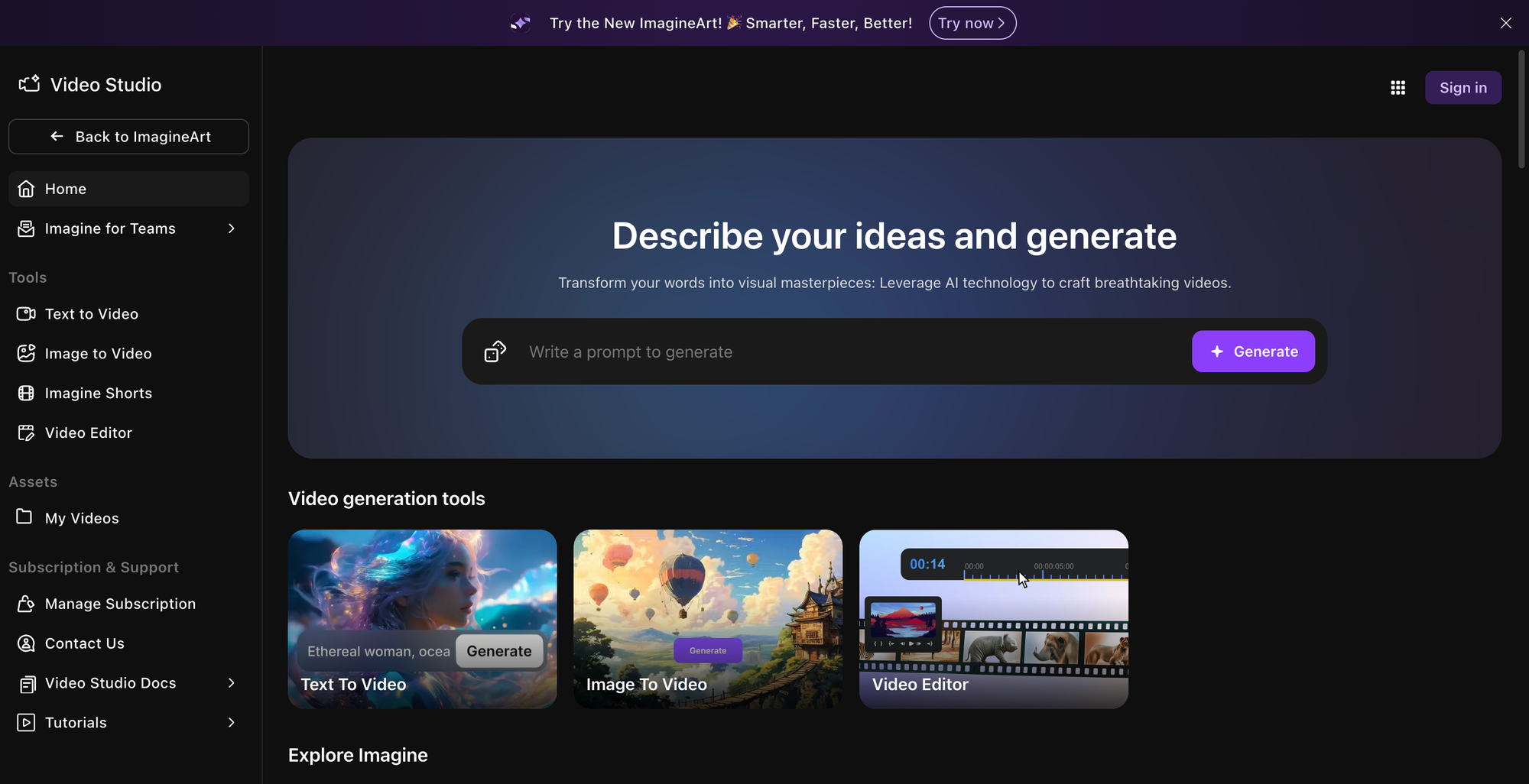
Runway offers scene-by-scene control with features like Motion Brush, which lets you specify exactly how elements move within a frame. Director Mode provides precise camera control including pan, tilt, and zoom.
- Best for: Creative professionals and filmmakers
- Standout strength: Granular control over every aspect of generation
- Notable limitation: Steeper learning curve than simpler tools
HeyGen for personalized avatar videos
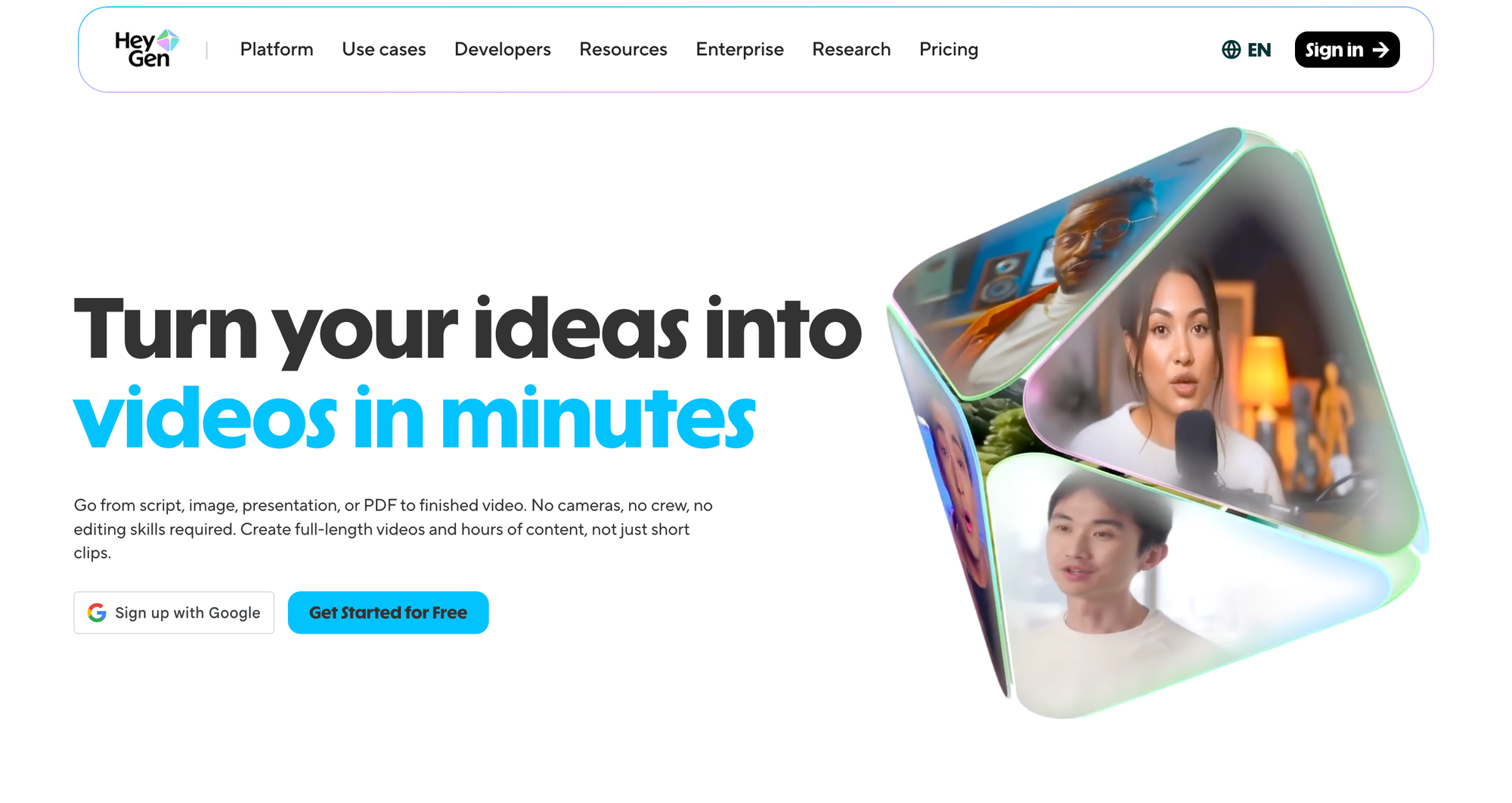
HeyGen creates custom AI avatars from your own video footage, with voice cloning in over 40 languages.
The automated video translation and lip-sync features make it particularly valuable for global teams who want to localize content without re-recording.
- Best for: Sales and marketing teams doing personalized outreach
- Standout strength: High-quality lip-sync and translation
- Notable limitation: Avatar creation requires upfront time investment
Synthesia for business and training content
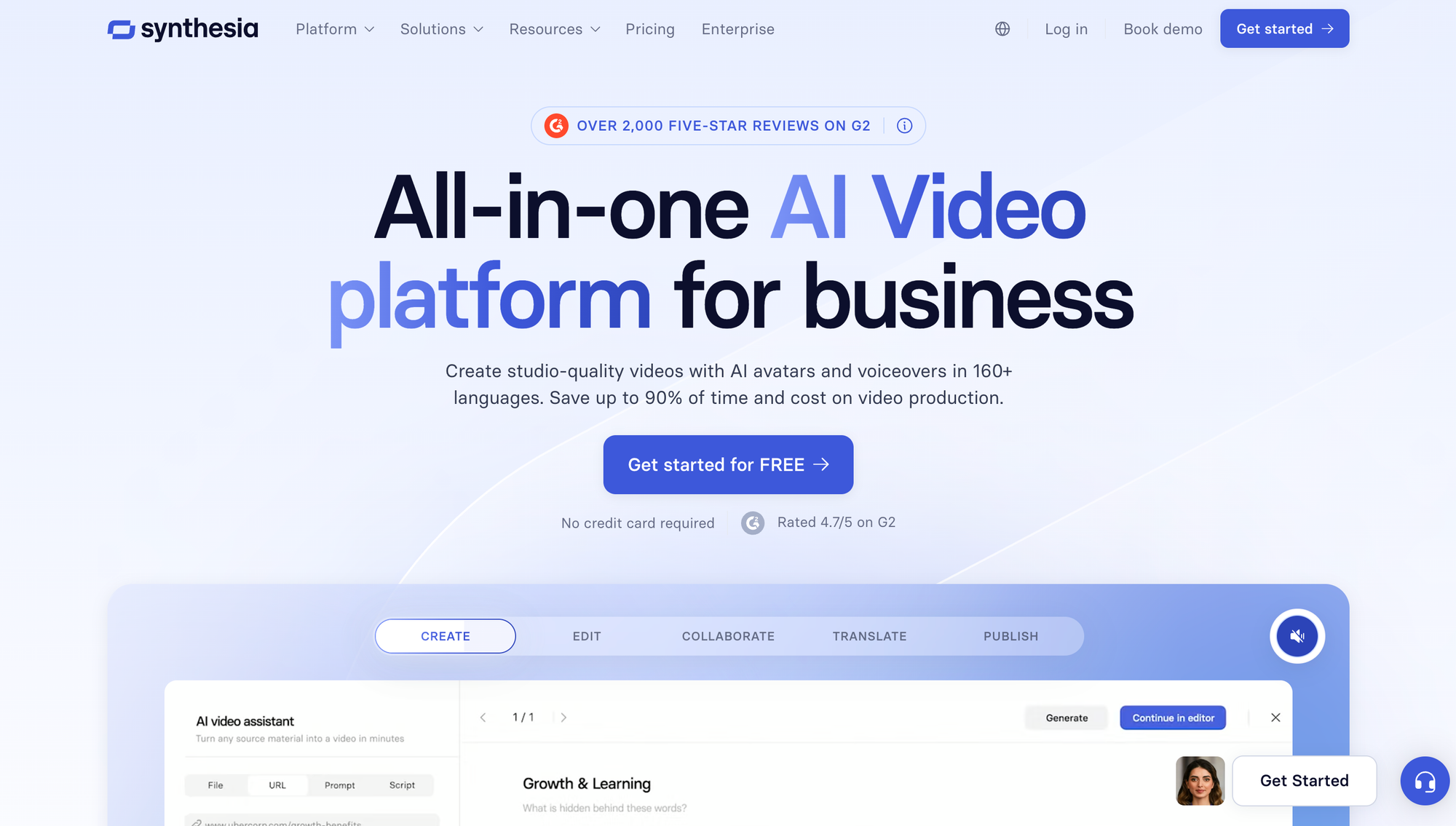
Synthesia is the enterprise standard for AI avatar videos, with SOC 2 compliance and a library of over 150 stock avatars.
The template library is built specifically for corporate training, onboarding, and internal communications.
- Best for: L&D, HR, and corporate communications teams
- Standout strength: Enterprise-ready security and compliance
- Notable limitation: Less focused on creative or cinematic output
Google Veo 3.1 for cinematic realism
Veo 3.1 generates 1080p video with physics-aware motion. It understands cinematic terms like "timelapse" or "aerial shot" and accepts multiple reference images for style consistency across clips.
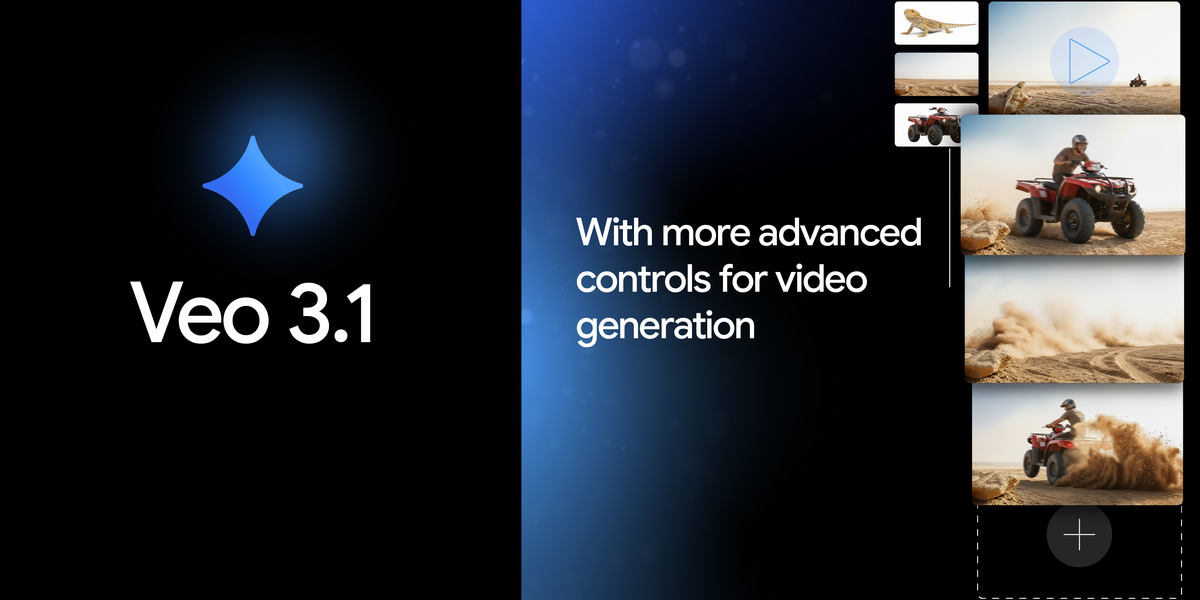
- Best for: Creative agencies needing top-tier visual quality
- Standout strength: Industry-leading realism and motion physics
- Notable limitation: Currently available via waitlist
Sora 2 for narrative storytelling
Sora 2 generates complex, story-driven scenes with advanced physics simulation. It can create clips up to 60 seconds with a deep understanding of narrative structure from text prompts.
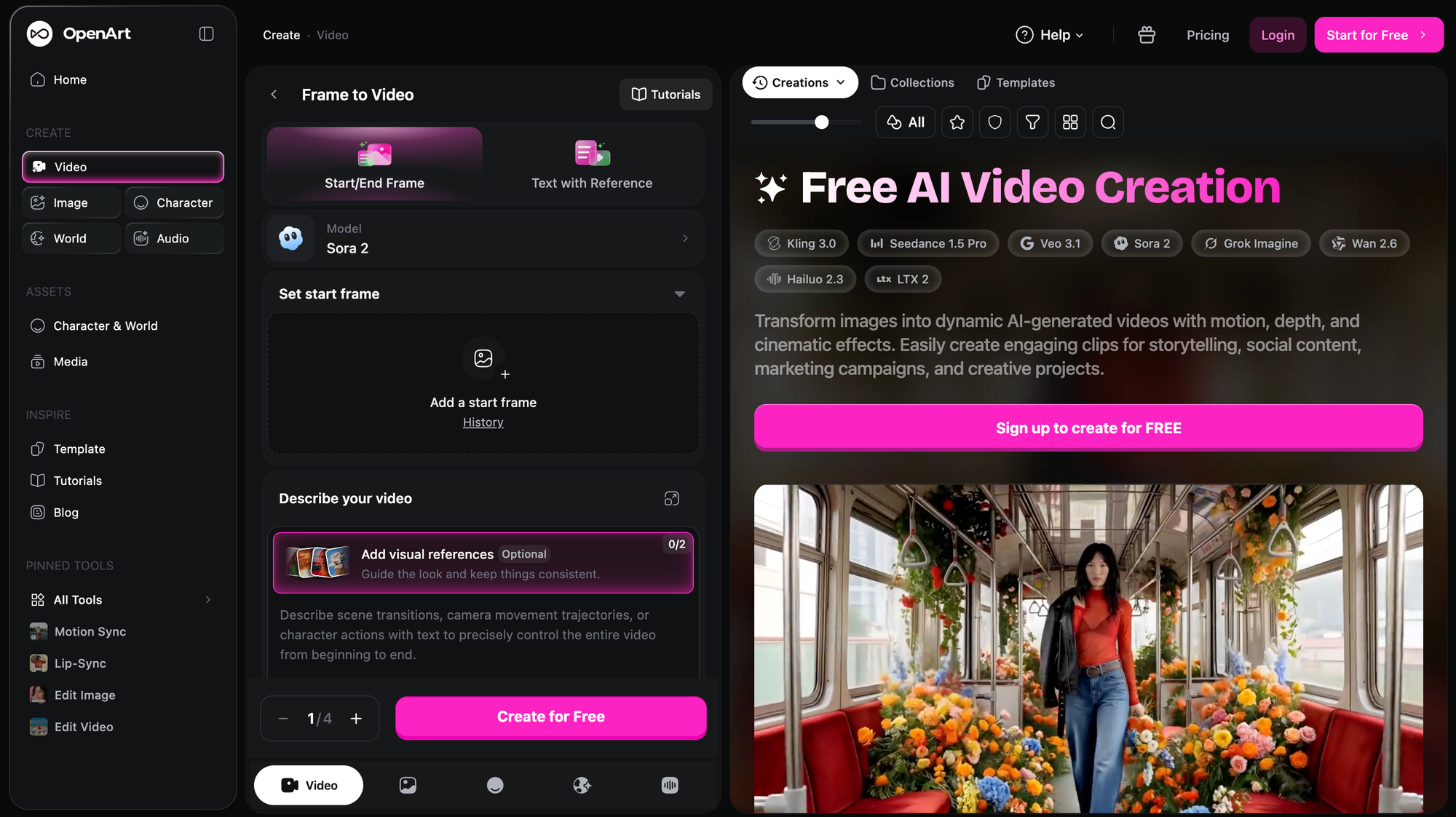
- Best for: Storytellers and filmmakers focused on narrative content
- Standout strength: Complex scene generation
- Notable limitation: Accessed via ChatGPT Plus with potential waitlists
Descript for script-based video editing
Descript lets you edit video by editing the transcribed text. Delete a word from the transcript, and it disappears from the video.
The Overdub feature corrects audio using a cloned version of your voice.
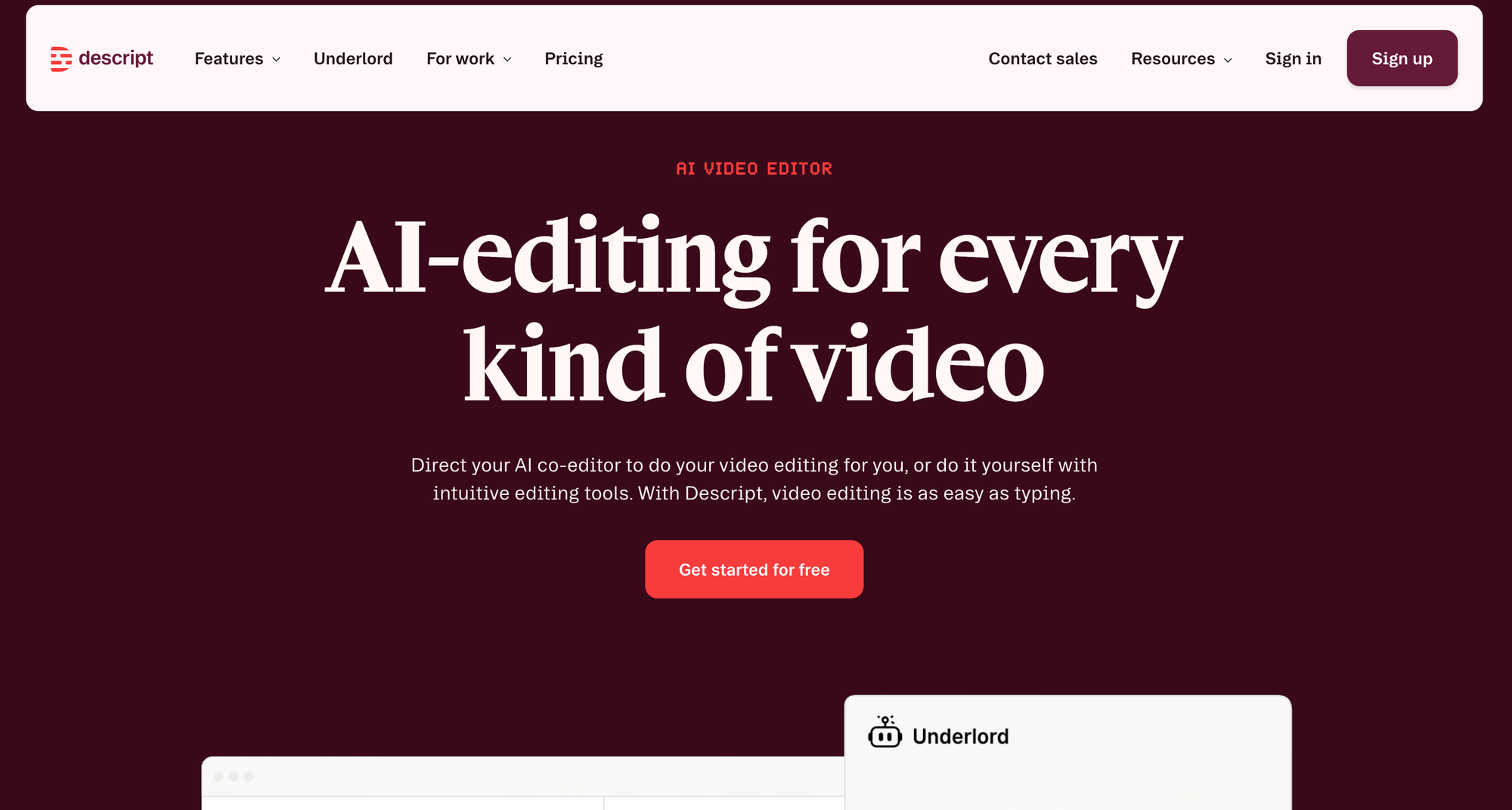
- Best for: Podcasters and course creators with dialogue-heavy content
- Standout strength: "Edit like a doc" workflow
- Notable limitation: Less focused on generating video from scratch
Velo for screen recordings and video messaging
Velo transforms raw screen recordings, and PDFs into polished video messages automatically.
The AI rewrites rambling narration into concise scripts, syncs voiceover, and applies professional editing.
This eliminates the need for multiple takes or manual editing.

- Best for: Sales, support, and product teams
- Standout strength: Eliminates retakes and manual editing for screen-based content
- Notable limitation: Focused on enhancing recordings, not text-to-video generation
Invideo AI for social media videos
Invideo AI generates complete videos from a single text prompt, including script, stock footage, voiceover, and captions. It is designed for high-volume social content production.
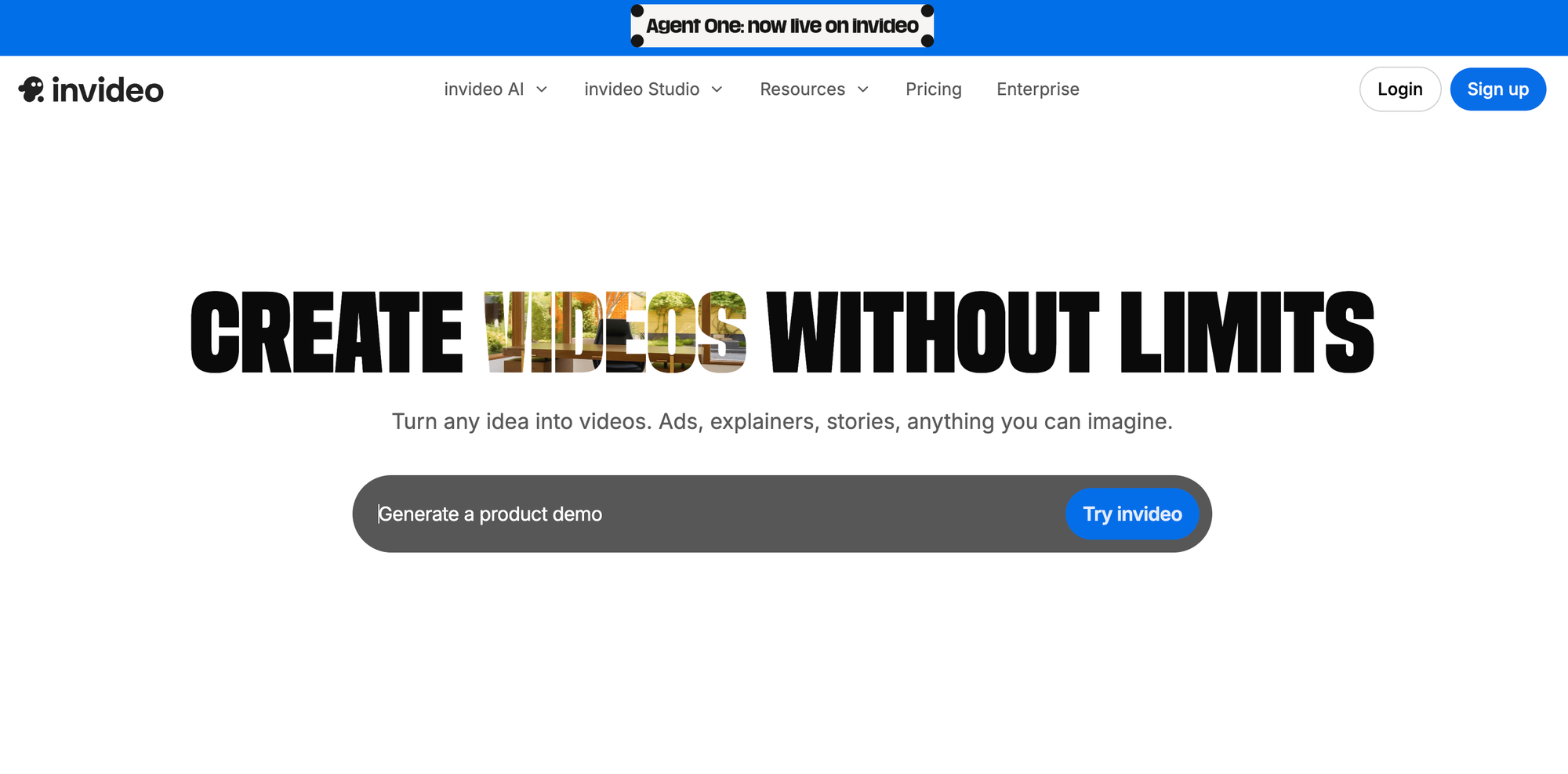
- Best for: Marketing teams and beginners
- Standout strength: Simplicity and speed from a single prompt
- Notable limitation: Less granular control than advanced editors
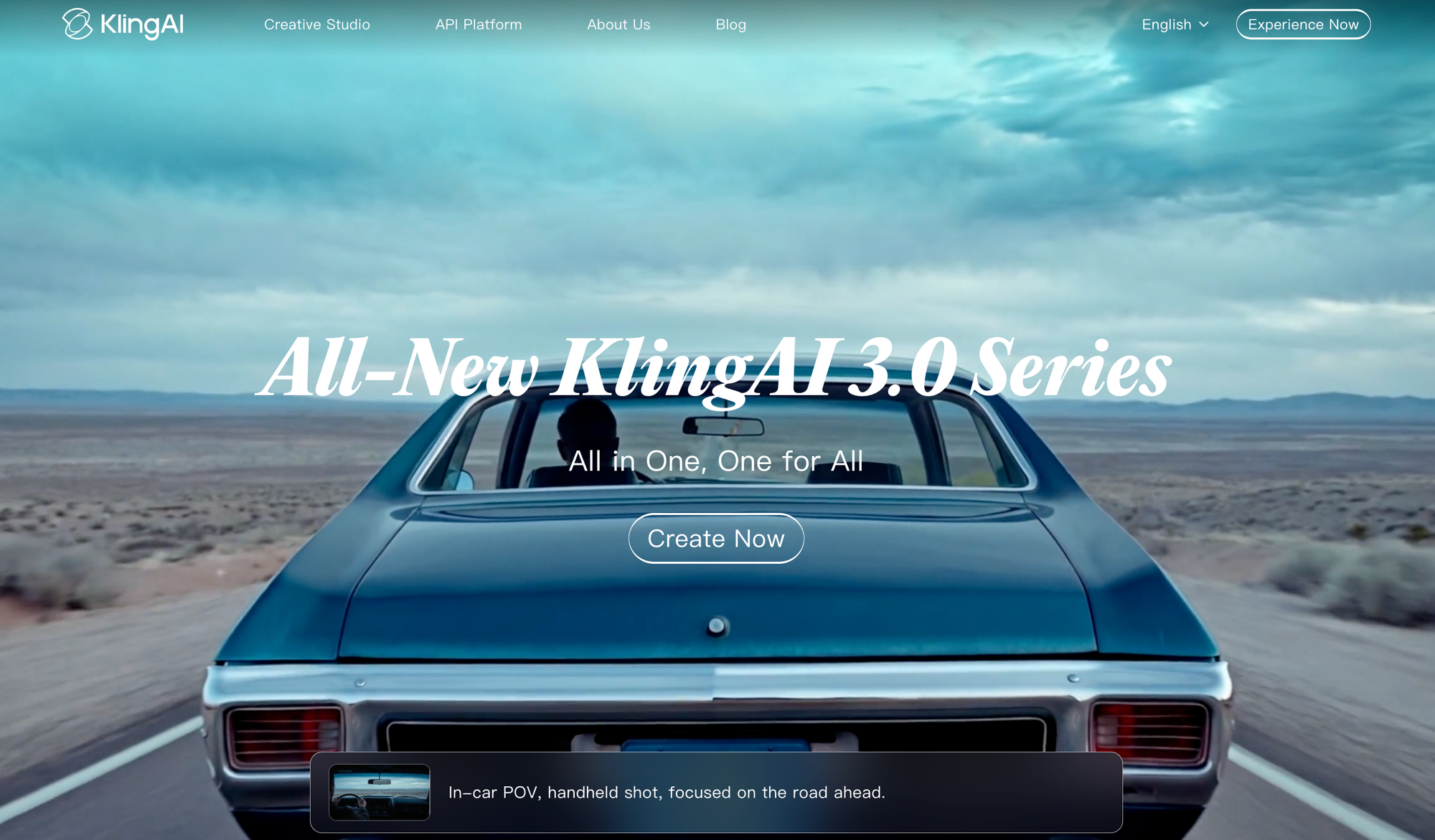
Kling AI for photorealistic human motion
Kling AI uses advanced 3D VAE technology for photorealistic human motion at a competitive price point. It simulates complex movements and interactions that look natural.
- Best for: Budget-conscious teams needing realistic human subjects
- Standout strength: High quality at a lower price
- Notable limitation: Newer platform with evolving features
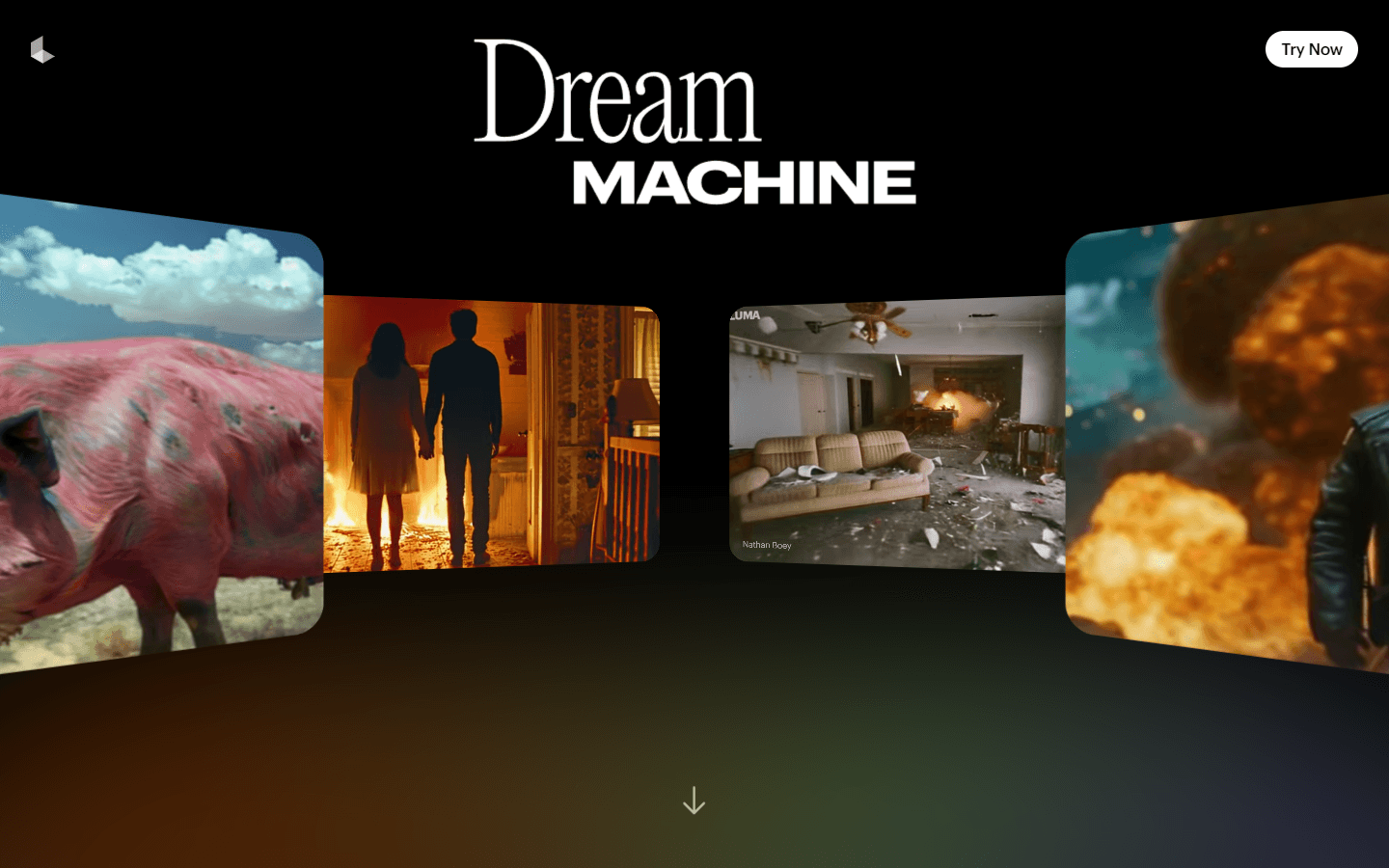
Luma Dream Machine for fast cinematic results
Luma Dream Machine prioritizes speed, generating cinematic clips faster than most competitors. The free tier makes it accessible for experimentation.
- Best for: Creators who iterate quickly on cinematic ideas
- Standout strength: Generation speed
- Notable limitation: Shorter clip lengths than tools like Sora
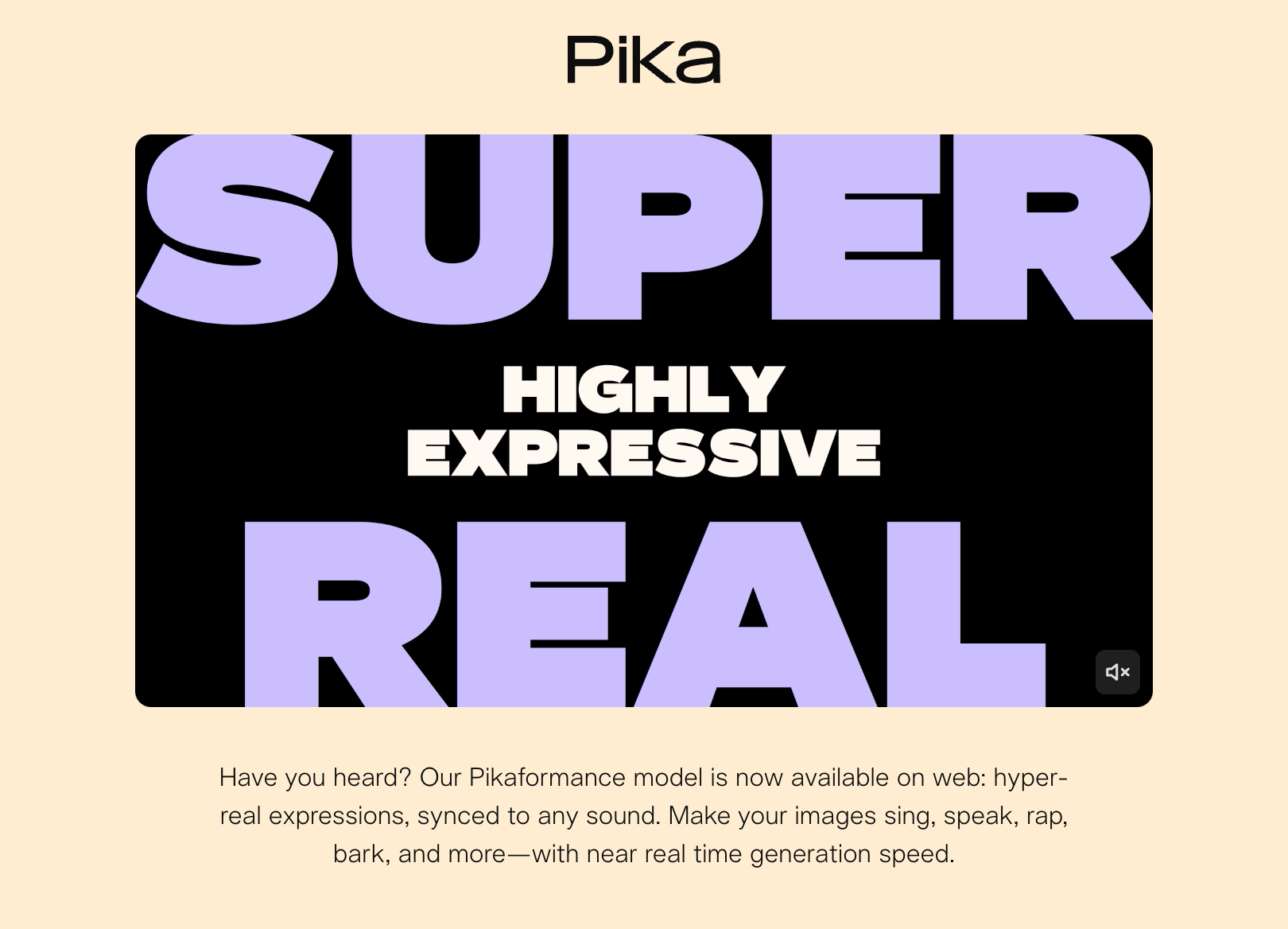
Pika for creative short-form content
Pika focuses on artistic and animated styles rather than photorealism. The "expand canvas" feature changes video aspect ratios, and lip-sync generation adds audio to animated characters.
- Best for: Social media creators and artists
- Standout strength: Experimental and artistic video styles
- Notable limitation: Not designed for corporate or photorealistic video
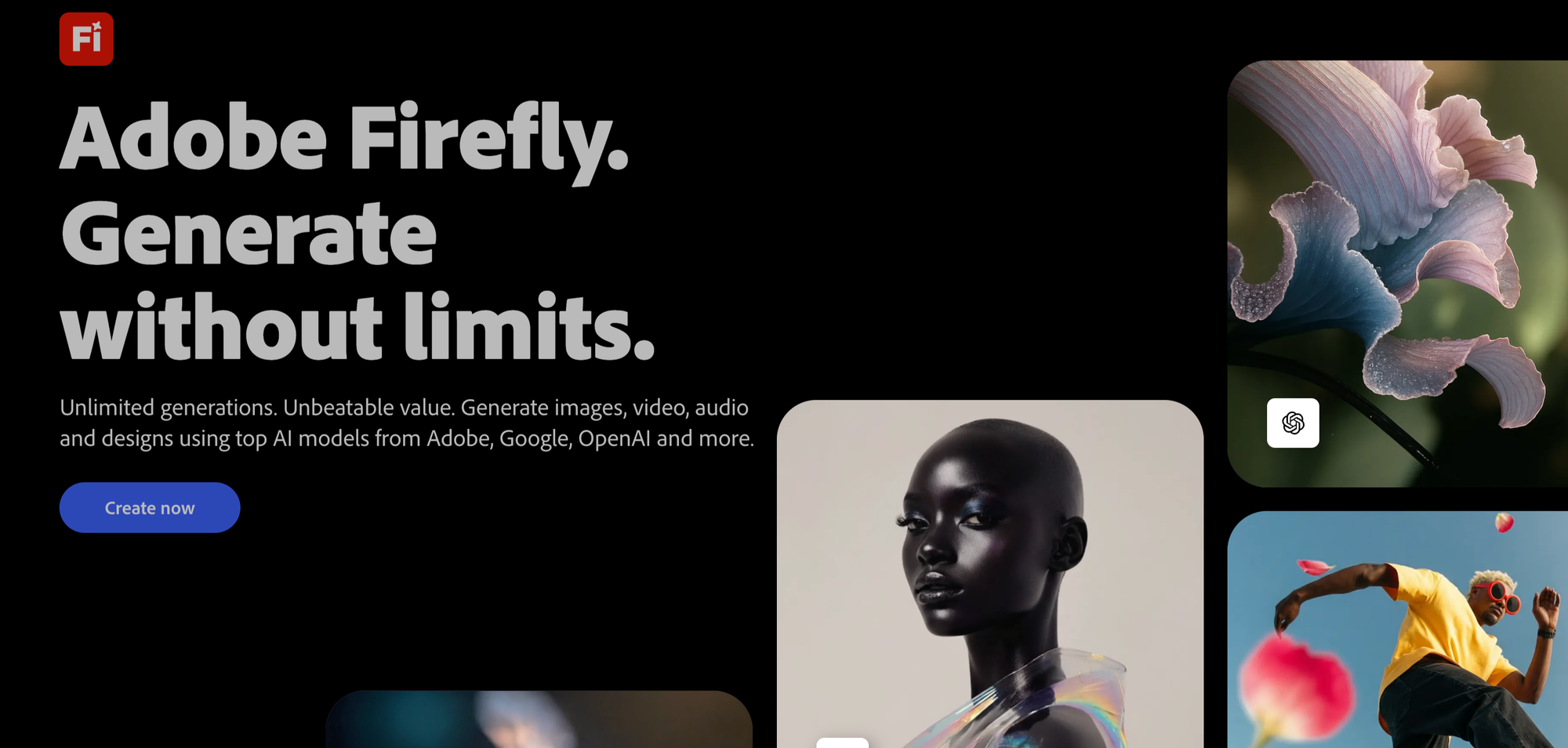
Adobe Firefly for Creative Cloud integration
Firefly is trained on licensed content, making outputs commercially safe by default. It integrates directly with Premiere Pro and After Effects for teams already in the Adobe ecosystem.
- Best for: Design and video teams using Adobe products
- Standout strength: Deep Creative Cloud integration
- Notable limitation: Video features still rolling out
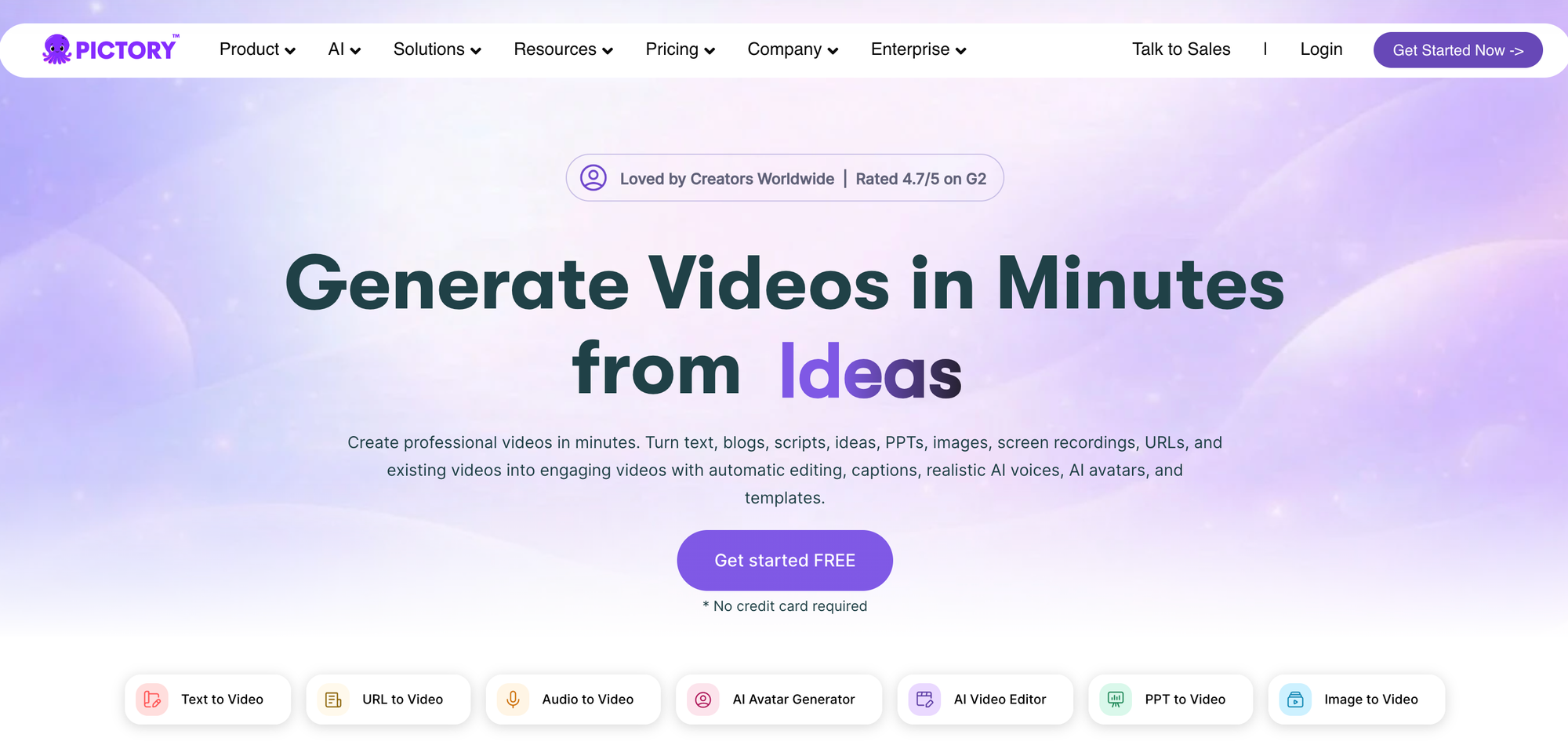
Pictory for turning text into polished video
Pictory converts blog posts, articles, and scripts into video content automatically. It finds relevant stock footage and adds AI voiceover and captions.
- Best for: Content marketers and bloggers
- Standout strength: Repurposing existing text content
- Notable limitation: Relies heavily on stock media
How to choose the right AI video generator
For sales teams and video prospecting
Sales teams typically prioritize speed and share-ready output. Personalized video can increase response rates by 80%, so the goal is sending a polished video pitch without spending 30 minutes on retakes and editing.
Tools like Velo and HeyGen reduce time-to-send dramatically. Look for AI script automation, avatar features, and built-in shareable links.
For marketing and social media content
With 91% of businesses using video as a marketing tool, teams often produce dozens of videos per week, so templates and batch processing matter more than maximum creative control.
Invideo AI and Pictory work well here, with stock libraries and platform-specific formats like vertical video for TikTok and Reels.
For training, onboarding, and internal comms
Training content often requires consistent presenters across modules and compliance features like SOC 2. Multi-language support is valuable for global teams.
Synthesia and HeyGen lead this category, with translation capabilities that let you create one video and deploy it globally.
For creators and course builders
Story-driven content benefits from scene control, character consistency, and advanced audio integration.
Runway and Sora 2 offer the granular control that creative professionals expect.
Best AI video generators for screen recordings and product demos
Most competitor articles overlook a critical use case: enhancing existing recordings rather than generating new video from scratch.
Sales, support, and product teams often start with raw screen recordings. They do not need text-to-video synthesis. They need AI that rewrites scripts, syncs voiceover, removes filler words, and adds polish automatically.
The takeaway: If your workflow starts with a screen recording, look for tools built specifically for that use case rather than general-purpose generators.
Free AI video generator options worth trying
Free tiers work for experimentation but come with significant limitations:
- Invideo AI: Free tier with watermarks, good for testing concepts
- Velo: Free tier with watermark, great for video outputs
- Luma Dream Machine: Limited free generations for cinematic experimentation
- Pika: Free credits for creative and animated styles
The tradeoff is consistent: free tools add watermarks, limit resolution, or restrict commercial use. For professional output, paid tiers are typically necessary.
Which AI video generator fits your workflow
The "best" tool depends entirely on what you are trying to accomplish:
- For cinematic realism: Sora 2, Veo 3.1, Kling AI
- For business and training: Synthesia, HeyGen
- For social media: Invideo AI, Pika, Pictory
- For screen recordings and video messaging: Velo
Explore more AI video tools and workflow guides: 5 best product demo video tools.
FAQs
Can AI video generators enhance existing screen recordings?
Yes. Some tools specialize in taking raw screen recordings and transforming them into polished, share-ready videos. Velo, for example, rewrites scripts, syncs voiceover, and applies professional editing automatically rather than generating video from scratch.
How long does it take to generate a video with AI tools?
Generation time ranges from under a minute for short clips to several minutes for longer, high-fidelity videos. Tools designed for business use typically prioritize speed to keep pace with async communication workflows.
Do AI video generators support custom branding and logos?
Most paid tiers offer brand kit features including custom logos, fonts, colors, and intro/outro templates. Free tiers typically limit or exclude branding customization.
Can AI video generators create videos using my own face and voice?
Yes. Tools with AI avatar features like HeyGen, Synthesia, and Velo can create a digital version of your likeness with voice cloning, allowing you to deliver videos without being on camera for every recording.
Are AI-generated videos safe for commercial use?
Commercial safety depends on the tool. Adobe Firefly is designed specifically for commercially-safe outputs with clear licensing. Other platforms may have restrictions on stock media or generated content that require review before commercial deployment.
What is the difference between AI video generators and AI video editors?
AI video generators create new video content from text prompts, images, or scripts. AI video editors enhance, polish, or transform existing footage. Some tools like Descript and Velo combine both capabilities in a single platform.
Which AI video generator is the best?
The best AI video generator depends on your use case: Sora 2 and Veo 3.1 lead for cinematic realism, Synthesia and HeyGen excel at business training and personalized outreach, while Velo transforms raw screen recordings into polished video messages without manual editing.
Is there a 100% free AI video generator?
Invideo AI, Luma Dream Machine, and Pika offer free tiers for experimentation, though they add watermarks, limit resolution, or restrict commercial use. Synthesia provides 10 minutes of video per month with AI avatars and voiceovers in 160+ languages on its free plan.
Which AI app is best for video making?
Runway Gen 4.5 offers the most granular creative control for filmmakers, Invideo AI generates complete social videos from a single text prompt, and Velo automates the entire editing process for screen recordings and product demos.
Which ChatGPT is best for video creation?
Sora 2, accessed through ChatGPT Plus, generates complex narrative-driven scenes up to 60 seconds with advanced physics simulation and deep understanding of story structure from text prompts.