5 Best SaaS Product Demo Video Software in 2026

You’ve built a fantastic product, but explaining how it works over and over again takes time and energy. You know that when people see it in action, they’ll understand it instantly.
A great product demo video works like a salesperson who is always available, showing how the product works.
It highlights the most important features, and helps people understand the value. You can use it on your website, in emails, and in sales conversations.
Most teams start with screen recording. It works, but the process feels messy: record, adjust, polish, share, repeat.
That’s where modern demo video software comes in. These AI-powered tools create product demos in different ways.
Some help you record faster and more clearly. Some automatically improve your recordings. Others can create demos without recording at all.
In this guide, we’ll focus specifically on product demo video software that creates traditional watchable videos.
You’ll get a clear breakdown of the five best options available today, so you can choose the right tool for your workflow.
What product demo video software helps with
Creating a product demo video seems easy until you sit down to record one. Small things like filler words, wrong clicks, and uneven pacing quickly affect how your product feels on screen.
Modern demo software helps you:
- Capture screen, audio, and camera without technical complexity
- Polish recordings by removing filler words and adding smart zooms
- Distribute via shareable links or embeds
- Update demos without rebuilding from scratch
- Enhance delivery with AI-powered improvements
The best tool depends on where you feel the most friction: recording performance, editing, or repeating the demos.
The 5 best SaaS product demo video software
1. Velo: AI powered demo creation without screen recording
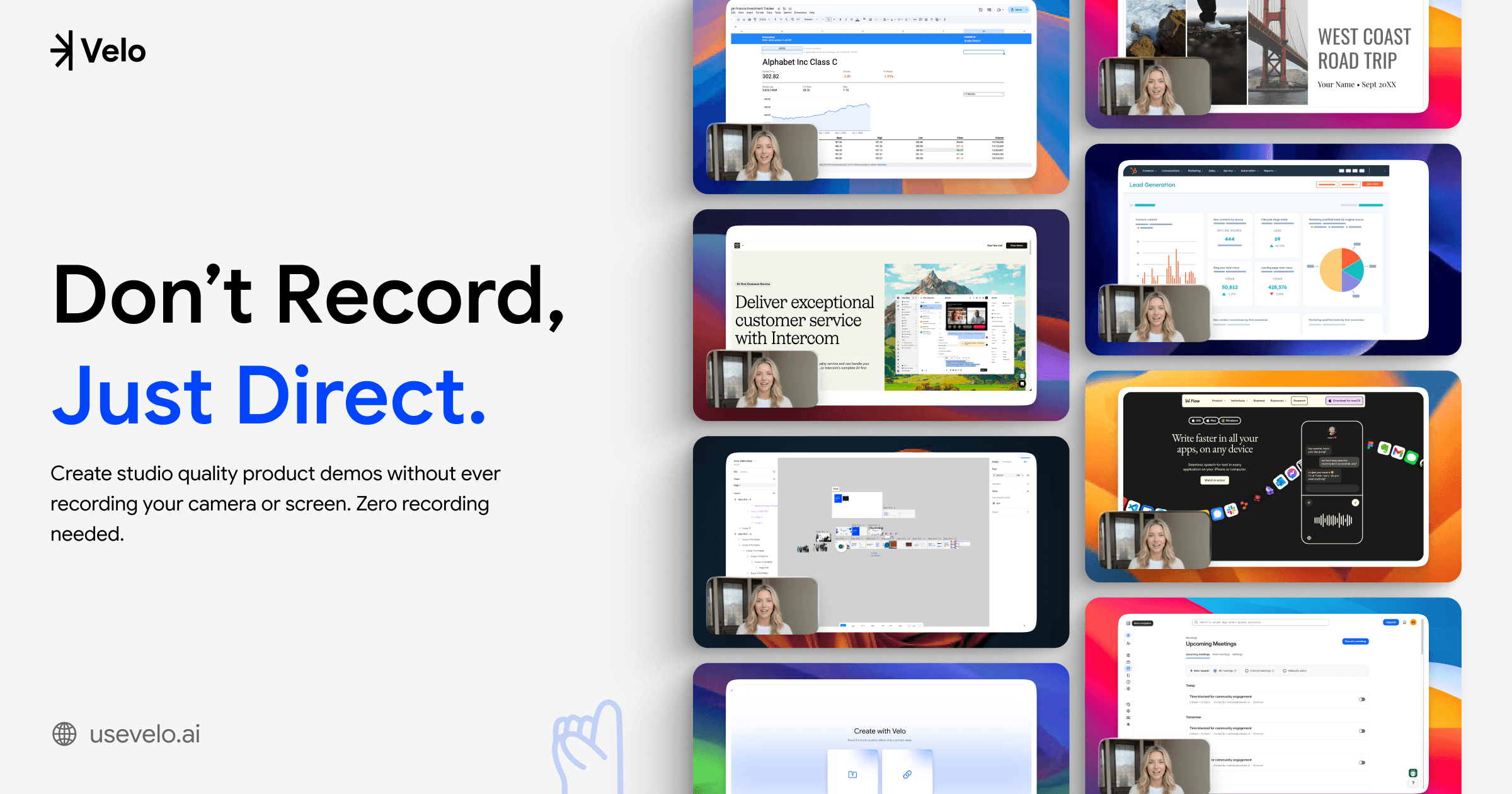
Best for: Founders, sales teams, product managers, course builders, YouTube creators, and anyone who wants polished demos with minimum hassle
Velo represents a completely different approach to product demo videos. You don’t have to press record and hope everything goes perfectly.
It perfectly creates professional demos without showing your face or recording your screen.
How it works:
The workflow is simple and takes the performance anxiety out of demo creation:
- Upload Figma designs, PDF documents, PowerPoint presentations, images, or even paste live web URLs. Velo works with whatever format you want.
- Direct the AI agent and describe the workflow you want to show. It can navigate your live product itself, deciding what to click, how to frame it, and how to time it against your narration, so you never have to record yourself. Talk through it naturally: mistakes, filler words, and all.
- Review the generated polished script. You can edit this script to perfect your messaging, adjust the flow, or refine specific talking points.
- When your script is ready, Velo creates the full product demo video for you. It can use your AI avatar and cloned voice. It also edits the video automatically to make it look professional.
- Use Velo’s built-in editor to tweak timing and visuals by hand, or describe a change in plain language, like “zoom in on the pricing table,” and make any final refinements before publishing.
- Share the link or export the polished demo video in multiple video formats – YouTube, Instagram, and more.
Key features:
- AI avatar and voice cloning: Your digital twin delivers the demo with consistent energy and clarity, built from a short reference video so it moves the way you actually do, not a generic animation. The voice cloning captures your tone and speaking style, so it sounds like you, just more polished.
- Script-based editing: Want to update your demo when you ship a new feature? Just edit the script and regenerate. No re-recording needed.
- Zoom and cursor effects: It automatically zooms in on where you click or type. The cursor movement becomes smooth and easy to follow.
- Multi-Format input: Whether it is a live web app, a Figma prototype, or a PowerPoint concept, Velo can work with it.
- Consistent delivery: Every demo comes out polished, well-paced, and professional. No more worrying about stumbling over words or looking tired on camera.
When Velo makes sense:
Velo is especially valuable when your biggest demo pain point is the performance part of recording.
If you often redo takes, feel uncomfortable on camera, or spend hours fixing mistakes, Velo makes it easier.
It’s ideal for teams creating multiple versions of a demo. Each one can be personalized for different prospects or industries, down to swapping the avatar or the opening line, without a new recording. With Velo, you’re not re-recording each time; you’re just adjusting the script.
2. Tella: screen recording with AI polish
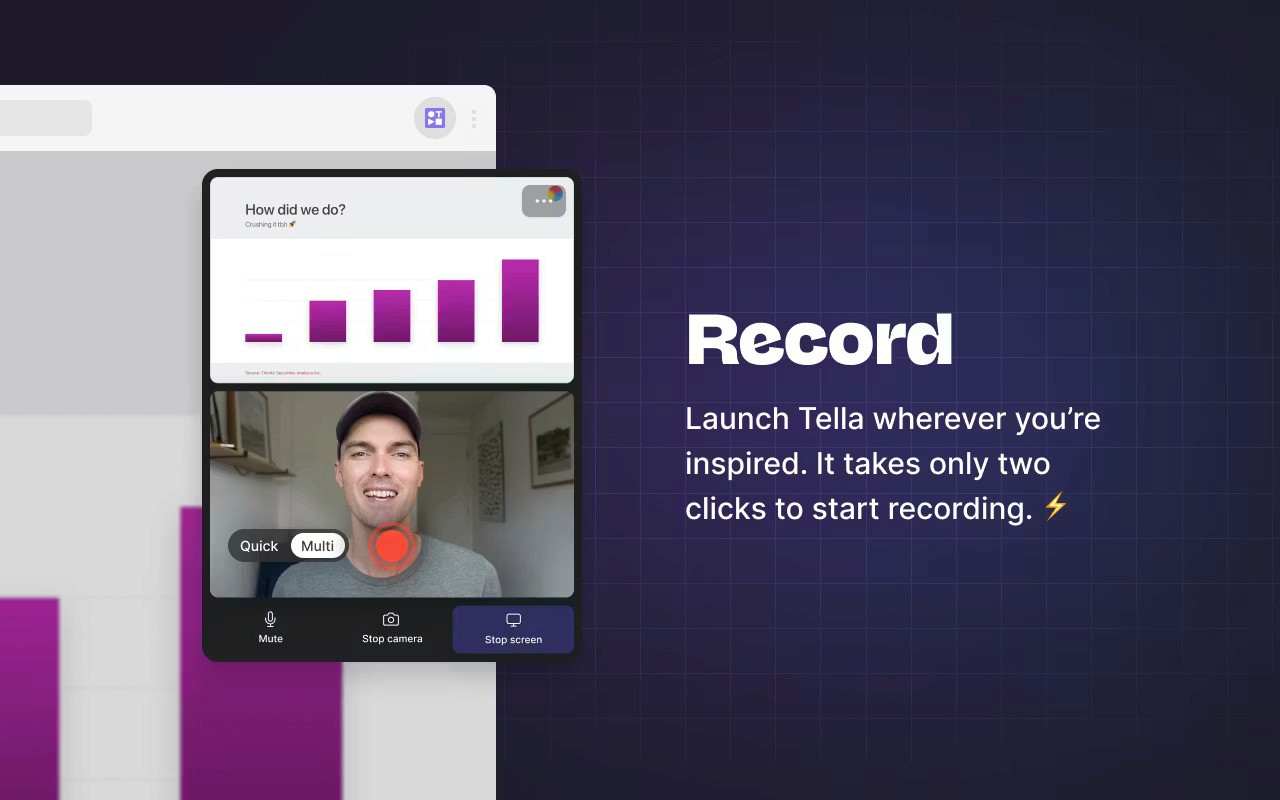
Best for: YouTube creators, LinkedIn content creators, course builders, and anyone who records demo videos regularly
Tella is a screen recorder built for people who want to record naturally and then clean things up quickly.
It’s based on a simple idea: most people can explain their product well. They just sometimes stumble over words or lose their train of thought.
How it works:
Tella makes recording and polishing a two-step process:
- Open Tella, hit record, and see your script or talking points displayed on screen while you record. This keeps you on track without making the video feel scripted.
- Tella’s AI automatically removes filler words, awkward pauses, and dead air. It works from the transcript, so you can also trim sections by deleting text rather than scrubbing through timeline footage.
Key features:
- AI filler word removal: Tella analyses your audio, identifies filler words and silences, and removes them automatically. What used to take 30 minutes of manual editing now happens in seconds.
- Speaker notes: Keep your talking points visible while recording. You don’t need to memorize a script. You stay clear, structured, and natural.
- Transcript-based editing: You can see your video as text. To cut a section, just delete the words. Tella removes the matching video automatically. Editing feels like working on a document.
- Clip based recording: Record your demo in segments instead of one long take. If you mess up, just re-record that clip. Tella stitches everything together.
- Multiple export options: Export in 4K, add custom branding, and share videos via link or embed them on websites.
When Tella makes sense:
Tella is a good choice if you’re comfortable speaking on camera. It helps clean up small mistakes and natural pauses.
If you use too many filler words, lose your place, or want to remove awkward pauses, Tella does it for you. You don’t need complex editing software.
3. Screen Studio: cinematic screen recordings
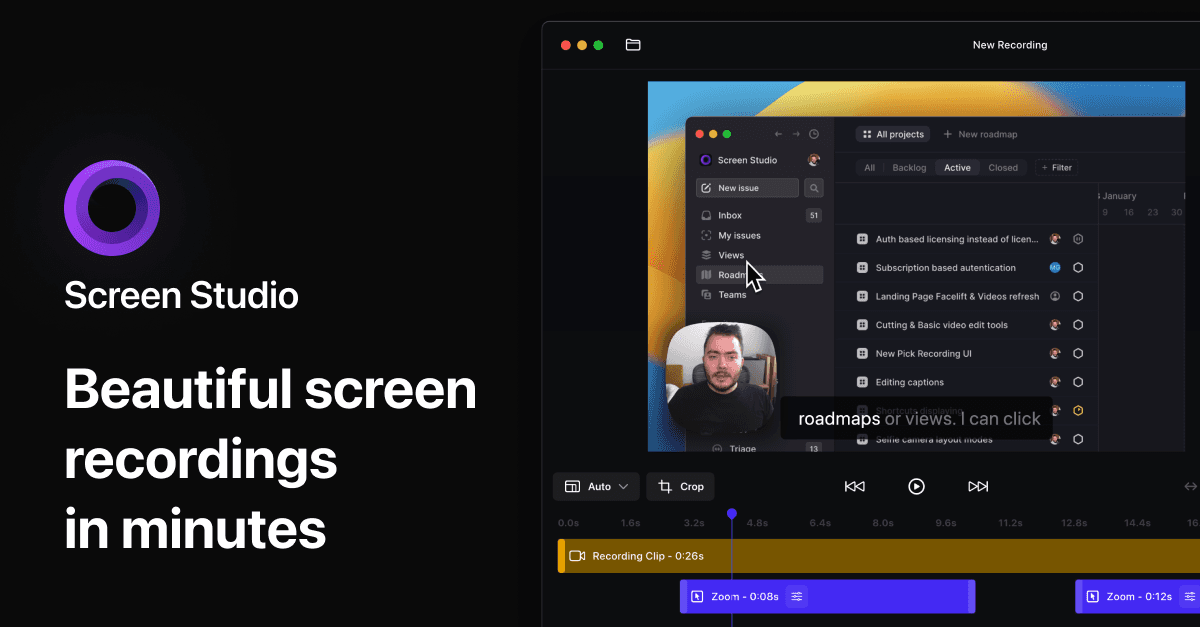
Best for: Designers, marketers, and anyone who wants screen recordings that look beautiful and professional
Screen Studio makes your screen recordings look polished and guided. It feels more like a professional product tour than a basic recording.
How it works:
Screen Studio runs in the background while you interact with your product. It automatically applies cinematic effects that make viewers focus on what matters:
- Record your screen as normal, and use your product naturally. Screen Studio captures everything with high quality.
- As you click and move through your product, Screen Studio adds zoom effects and improves the visuals automatically.
- Use Screen Studio’s simple timeline editor to adjust zoom timing, add cuts, or refine the pacing.
- Export for web, social media (including vertical formats for TikTok/Instagram), or presentations.
Key features:
- Automatic zoom and pan: Screen Studio watches where you click and automatically zooms to highlight those actions. This keeps viewers focused on what you’re showing.
- Smooth cursor enhancement: The cursor moves smoothly, so clicks are clear and easy to follow.
- Background customisation: Add gradients, device frames, and branding without using another design tool.
- Timeline based editing: Adjust zoom timing, add cuts between sections, or refine pacing using a straightforward timeline interface.
- Export flexibility: Create horizontal videos for websites, vertical videos for social media stories, or any custom size you need.
When Screen Studio makes sense:
Screen Studio is perfect when your demos need to feel premium. If you’re creating demos for landing pages, investor pitches, or app showcases – visual quality matters.
Screen Studio makes your recordings look professional without extra editing.
It’s ideal for designers, creative teams, and SaaS companies that want polished, on-brand demos.
Important note: Screen Studio is currently Mac-only, so Windows users will need alternatives like Velo, Tella or Loom.
4. Clueso: demos and documentation
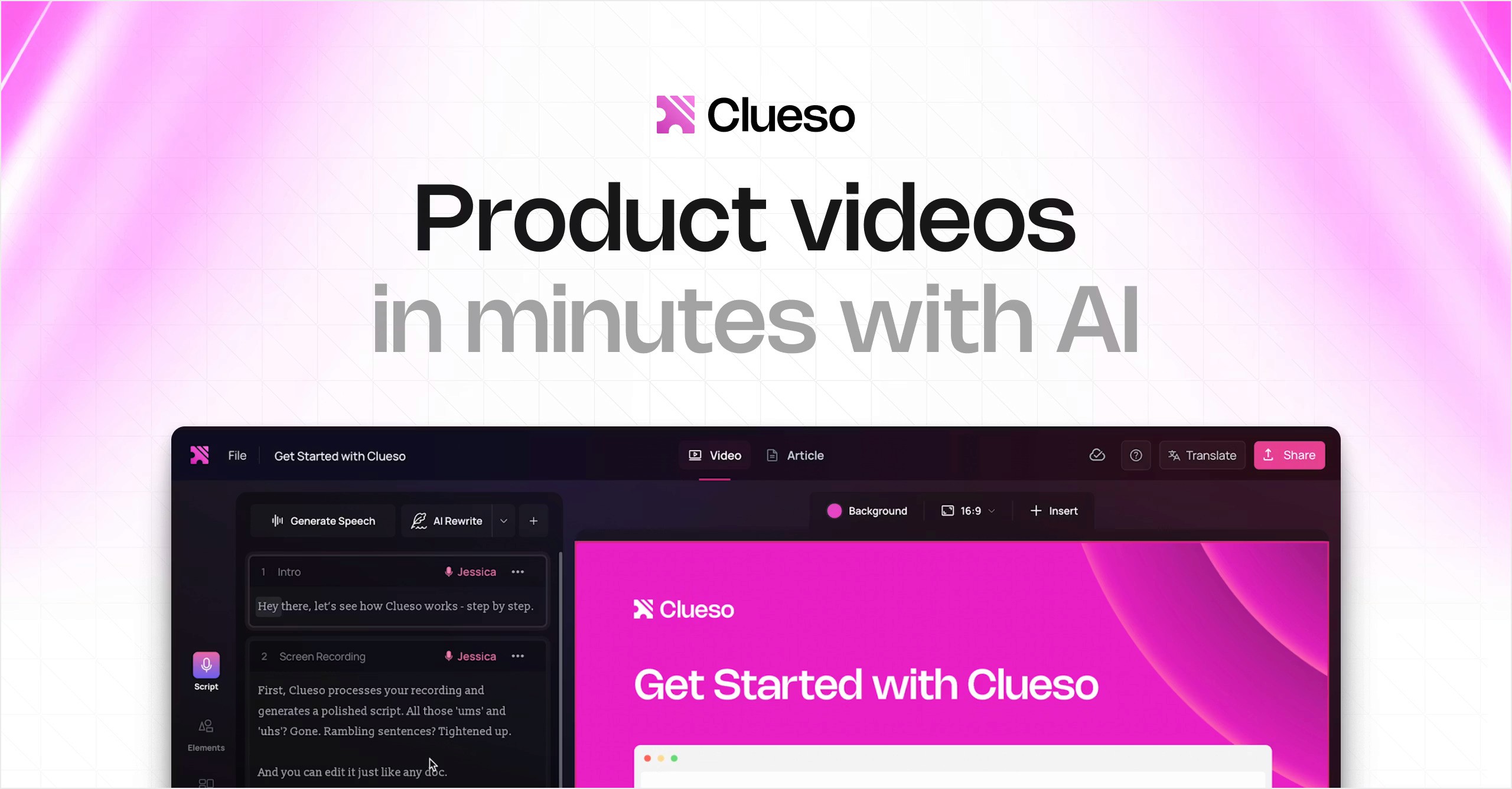
Best for: Customer success teams, product teams, training departments, and anyone who needs both video demos and written guides
Clueso creates both a professional demo video and written documentation from one recording.
If you’ve recorded a demo and then written step-by-step instructions separately, Clueso removes that extra work.
How it works:
Clueso’s workflow turns one recording into multiple assets:
- Record your product walkthrough normally, explaining what you’re doing as you go.
- Clueso analyses your recording. It transcribes what you say and identifies the key steps you show.
- Generate multiple outputs: Polished video with AI voiceover replacing your original audio
- Written SOP with step-by-step instructions
- How-to documentation formatted for knowledge bases
- Edit the script, adjust the documentation, and export everything in the formats you need.
Key features:
- Dual output creation: One recording becomes both a video tutorial and written documentation. This saves massive time for teams that need both formats.
- AI script rewriting: Clueso rewrites your words to be clearer and shorter. It removes filler words automatically.
- Professional AI voiceovers: Choose from AI voices in 35+ languages. The voiceover replaces your original audio with studio-quality delivery, making demos feel more professional even if you recorded in a noisy environment.
- Smart auto-zoom: Like Screen Studio, Clueso adds automatic zoom effects to highlight important actions in your demo.
- AI-Generated captions: Automatic captions make your videos accessible and improve engagement on social media.
When Clueso makes sense:
Clueso shines when demos serve multiple purposes. If you need to create:
- Customer onboarding videos and help center articles
- Training videos and internal documentation
- Product update videos and release notes
then Clueso’s dual-output approach saves enormous time.
5. Loom: quick async video communication
Best for: Remote teams, support teams, sales reps, and anyone who needs to share quick video messages or demos
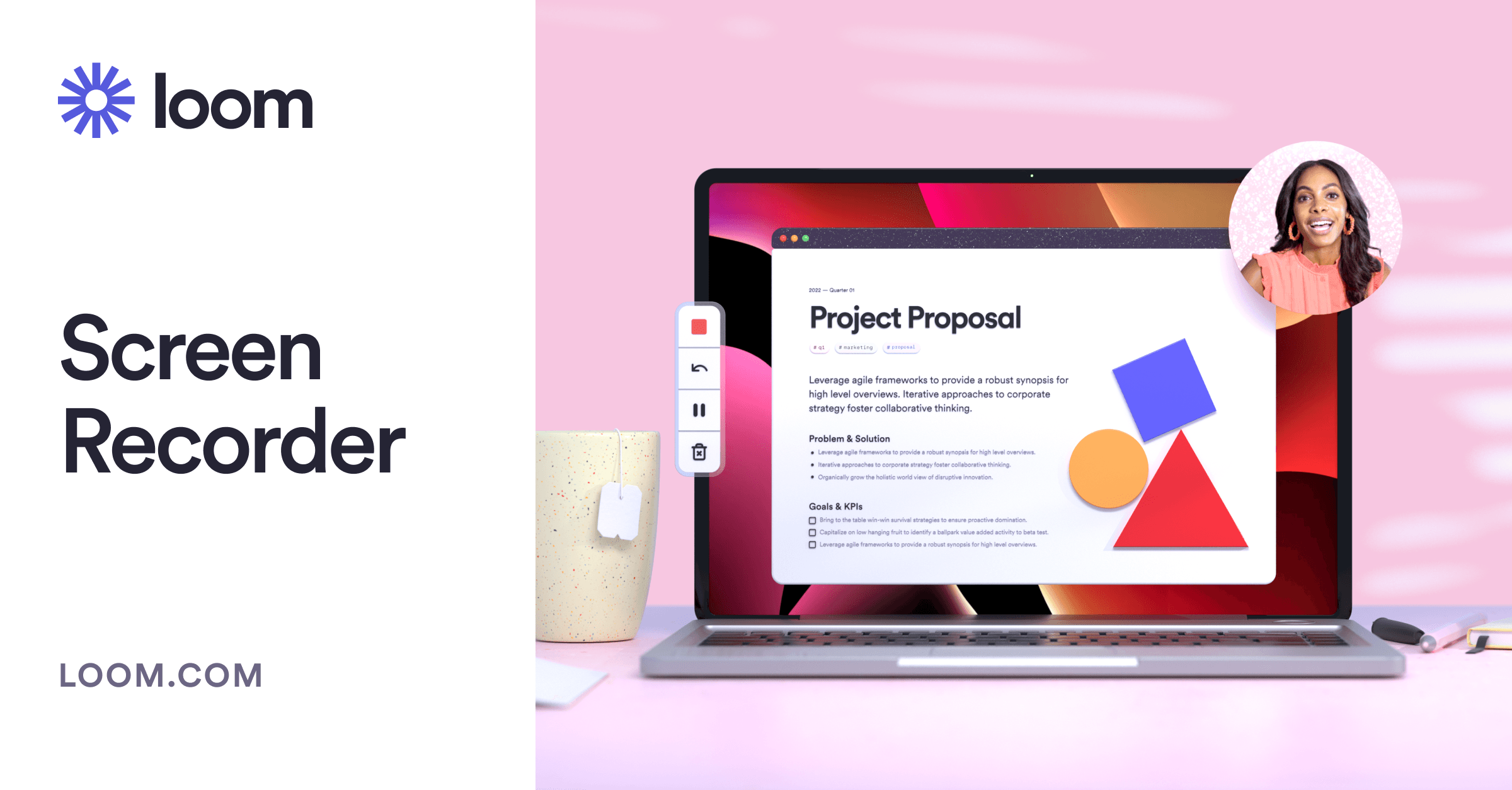
Loom is the tool that made screen recording mainstream for everyday work communication.
While other tools focus on polished demos, Loom focuses on speed and simplicity for team updates and quick customer demos.
How it works:
Loom’s workflow is minimal:
- Open Loom (desktop app, browser extension, or mobile app), choose what to record (screen, camera, or both), and start.
- Explain what you’re showing. No pressure to be perfect, Loom is designed for quick communication.
- The moment you stop recording, Loom generates a shareable link. Send it via email, Slack, or paste it anywhere.
- Trim the beginning or end, add AI-generated titles and chapters, or leave it as-is.
Key features:
- Instant sharing: No uploading, no processing delays. Stop recording and share the link immediately.
- Works everywhere: Mac, Windows, web browser, iPhone, Android. Loom runs on every platform, making it accessible for distributed teams.
- AI-generated context: Loom automatically creates titles, chapter markers, and call-to-action buttons. This makes your videos easier to navigate.
- Live rewind: Made a mistake mid-recording? Use live rewind to jump back and re-record just that section without starting over.
- Simple editing tools: Trim videos, cut out mistakes, or stitch multiple clips together using Loom’s straightforward editor.
- Integrations: You can add Loom links to Gmail, Slack, Notion, Salesforce, HubSpot, and many other tools your team already uses.
- Async communication focus: Comments, reactions, and transcripts make Loom videos feel like conversations, not broadcasts.
When Loom makes sense:
You can use Loom to quickly record and share videos for bugs, updates, or follow-ups.
Remote teams use Loom to replace meetings, recording quick updates instead of scheduling calls.
Support teams use it to show customers how to fix problems step by step.
Product demo video software comparison table
All five product demo video software options offer distinct strengths.
Here is a side-by-side comparison table featuring 5 demo video software reviews. This will help you to quickly choose the right fit.
| Feature | Velo | Tella | Screen Studio | Clueso | Loom Recording |
| Recording required | No | Yes | Yes | Yes | Yes |
| AI editing | Automated, plus manual and prompt-based tools | Full automation (with cursor movements and the zoom effects, background music and more) | Full automation (with cursor movements and the zoom effects, background music and more) | Full automation (with cursor movements and the zoom effects, background music and more) | Remove filler words, and adjust the video length (Basic) |
| Best for visual polish | Excellent | Good | Excellent | Good | Basic |
| Best for speed | Medium | Medium | Medium | Slow | Fastest |
| Updates | Edit script, or describe the change | Re-record | Re-record | Re-record | Re-record |
| Platform | Web | Mac/Win/Web | Mac only | Web | All platforms |
| Primary use case | Polished demos without screen recording | Content creation | Premium visuals | Demos + docs | Quick async communication |
How to choose the right product demo video tool
Here’s a simple way to choose without overthinking it.
Start with your biggest friction point
- If recording is the problem: Try Velo (no recording needed) or Tella (speaker notes keep you on track)
- If editing takes too long: Try Clueso (full AI automation) or Tella (AI filler removal)
- If visual quality matters most: Try Screen Studio (if on Mac) or Clueso (cross-platform)
- If you need both video and documentation: Try Clueso (creates both automatically)
- If speed is everything: Try Loom (record and share in under a minute)
Consider your primary use case
- Marketing website demos: Screen Studio, Velo, or Clueso
- YouTube tutorials: Tella, Velo, or Screen Studio
- Sales follow-ups: Loom or Velo
- Customer support: Loom or Clueso
- Internal training: Clueso or Tella
- Product updates: Velo (easy script updates) or Loom (quick recording)
Think about your team’s comfort level
- Camera-shy or non-native english speakers: Velo (AI avatar and voice)
- Natural speakers who just need cleanup: Tella
- Design-focused teams: Screen Studio and Velo
- Teams needing multilingual content: Clueso (35+ languages)
- Everyone else: Loom (minimal learning curve)
Getting started
Test the same demo with each tool. Choose a 3–5 minute feature walkthrough. Try it with 2–3 tools. Then compare the time spent, video quality, and how easy it is to make updates.
Most tools offer free trials, take advantage of them.
The right demo software makes creating demos so easy that you’ll actually do it consistently. Choose a tool, create your first demo this week, and start letting your product sell itself.